Jul 22, 2020 · 1 min read
How to access Digital Ocean droplet on Mac / Linux
This is a short how-to guide how to access Digital Ocean droplet from your machine First let’s create a droplet. Assuming you already have digital ocean account, click Create and then Droplets…
This is a short how-to guide how to access Digital Ocean droplet from your machine
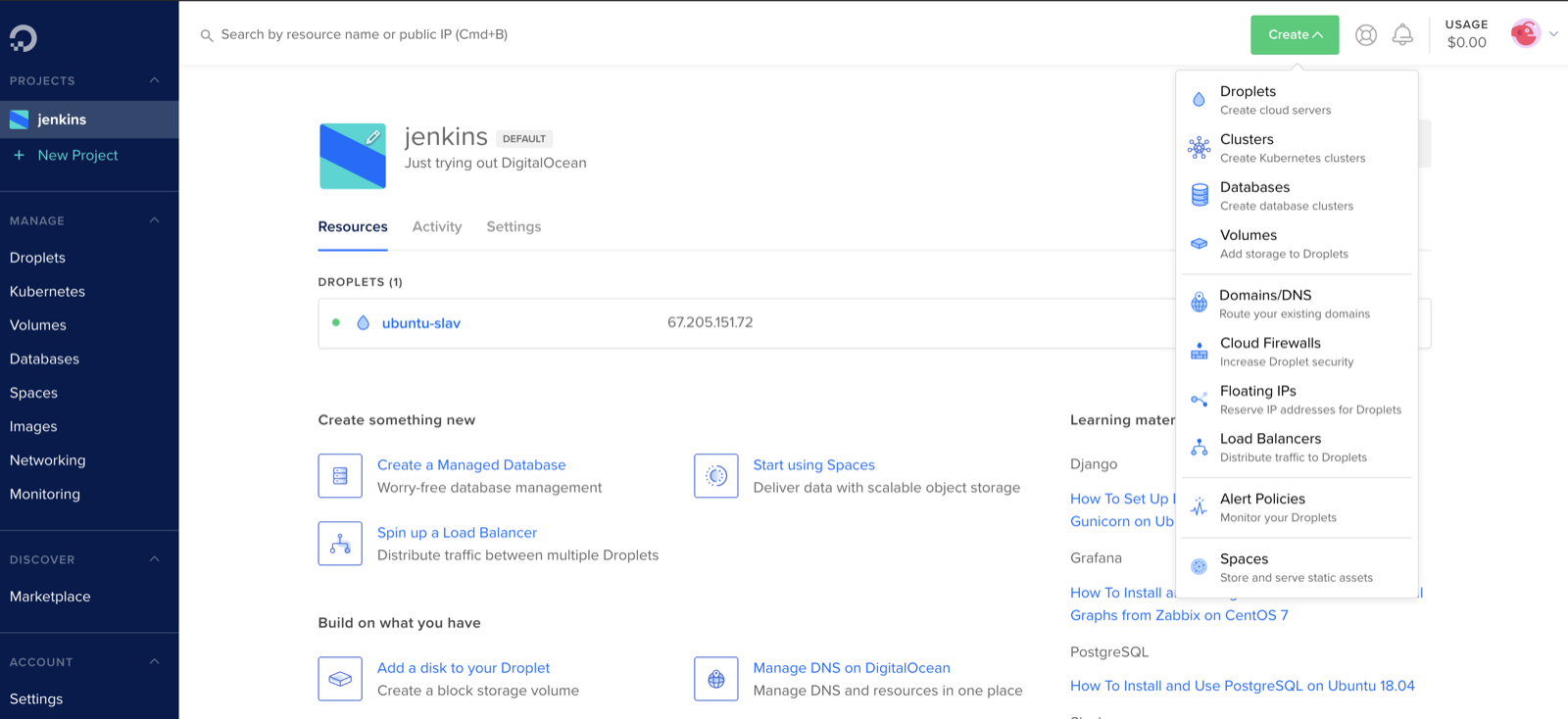
First let’s create a droplet. Assuming you already have digital ocean account, click Create and then Droplets
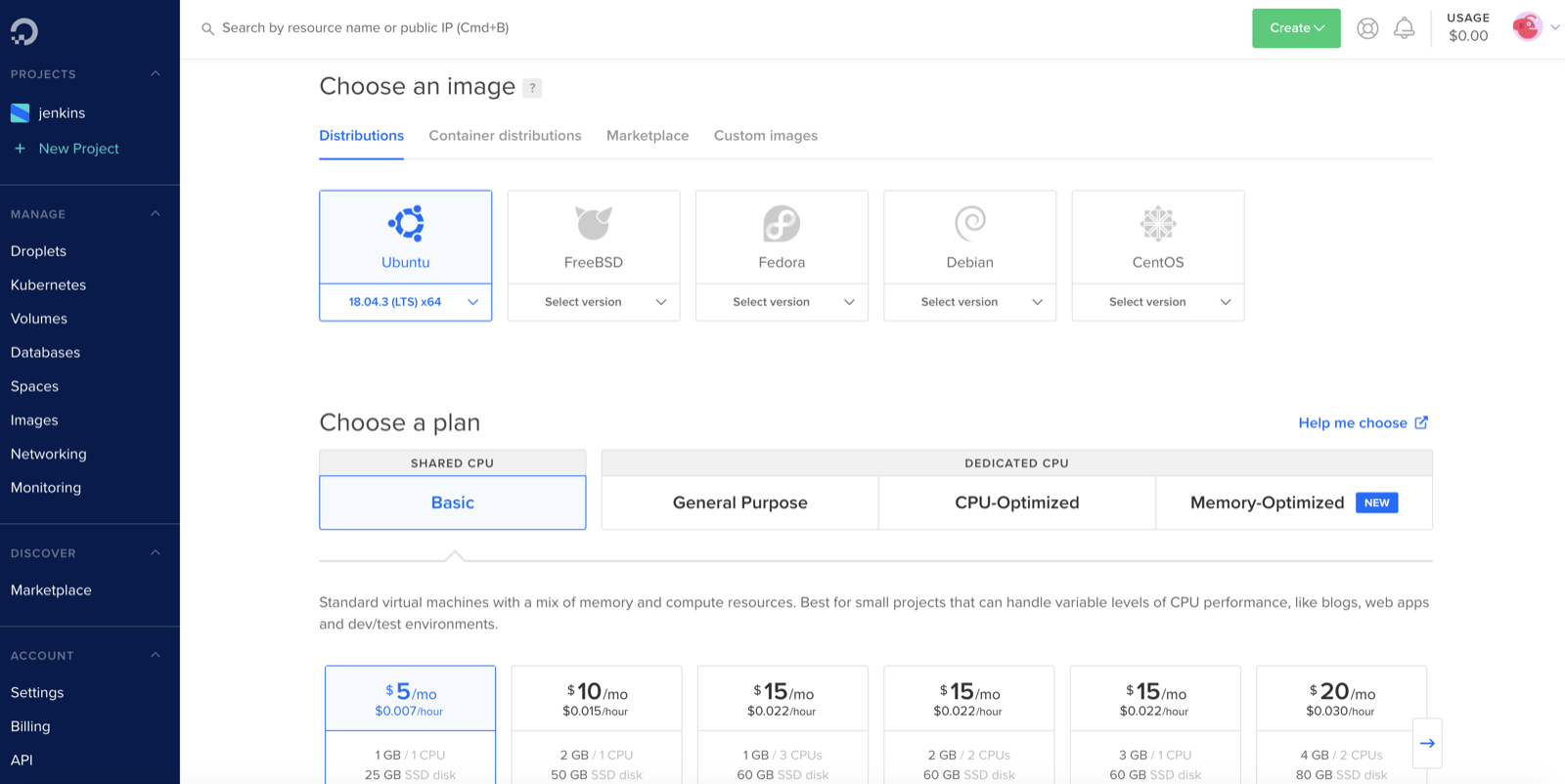
Choose an image, in my case it is Ubuntu and shared CPU and simple 5$ plan (just pick the one that would work for you)
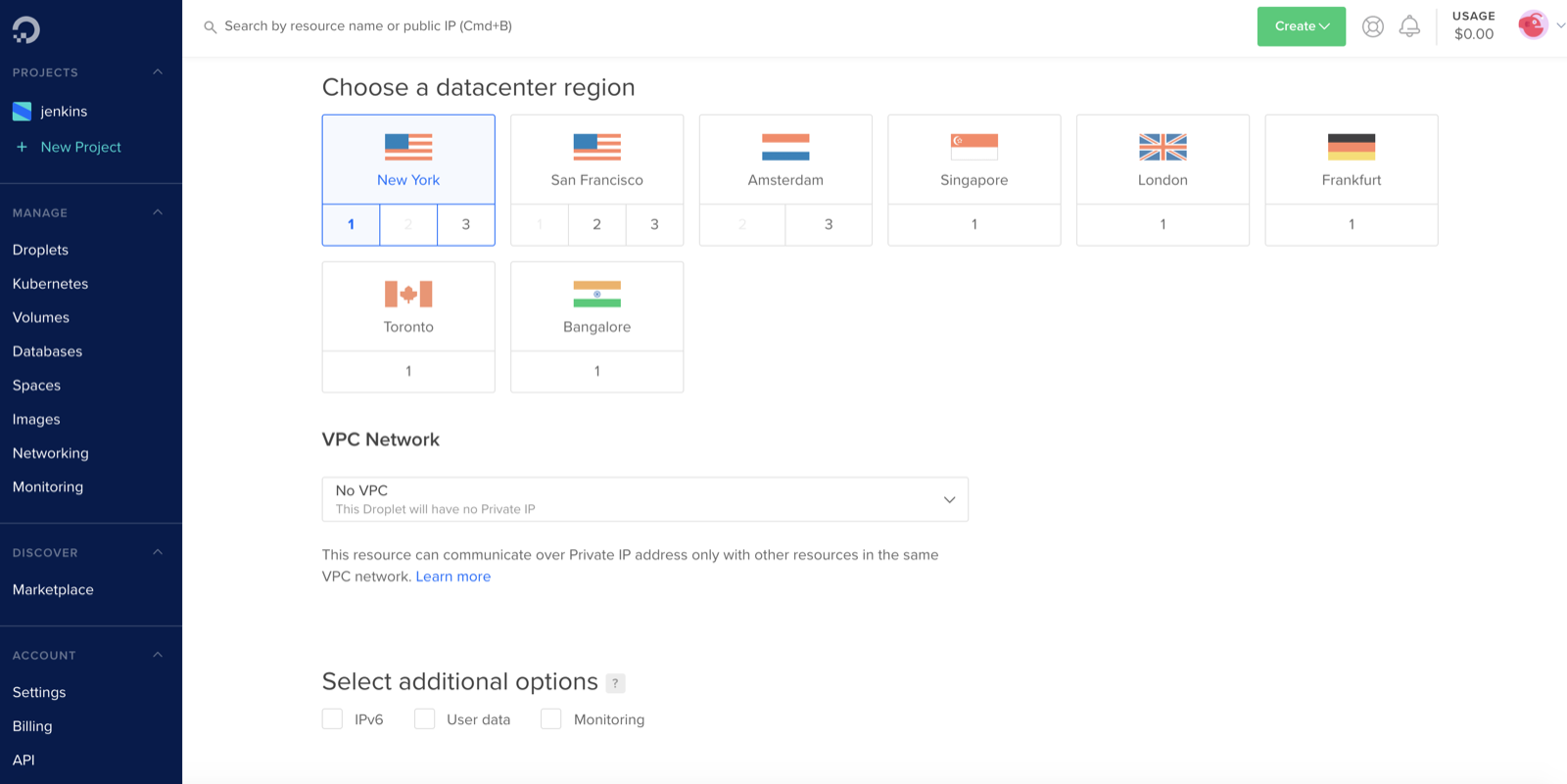
Choose a datacenter region, basically tell digital ocean where you would like to host your droplet
Pick authentication method, I use public SSH key for my machine (you can either create one) or use Password instead, Digital Ocean will send a password your email.
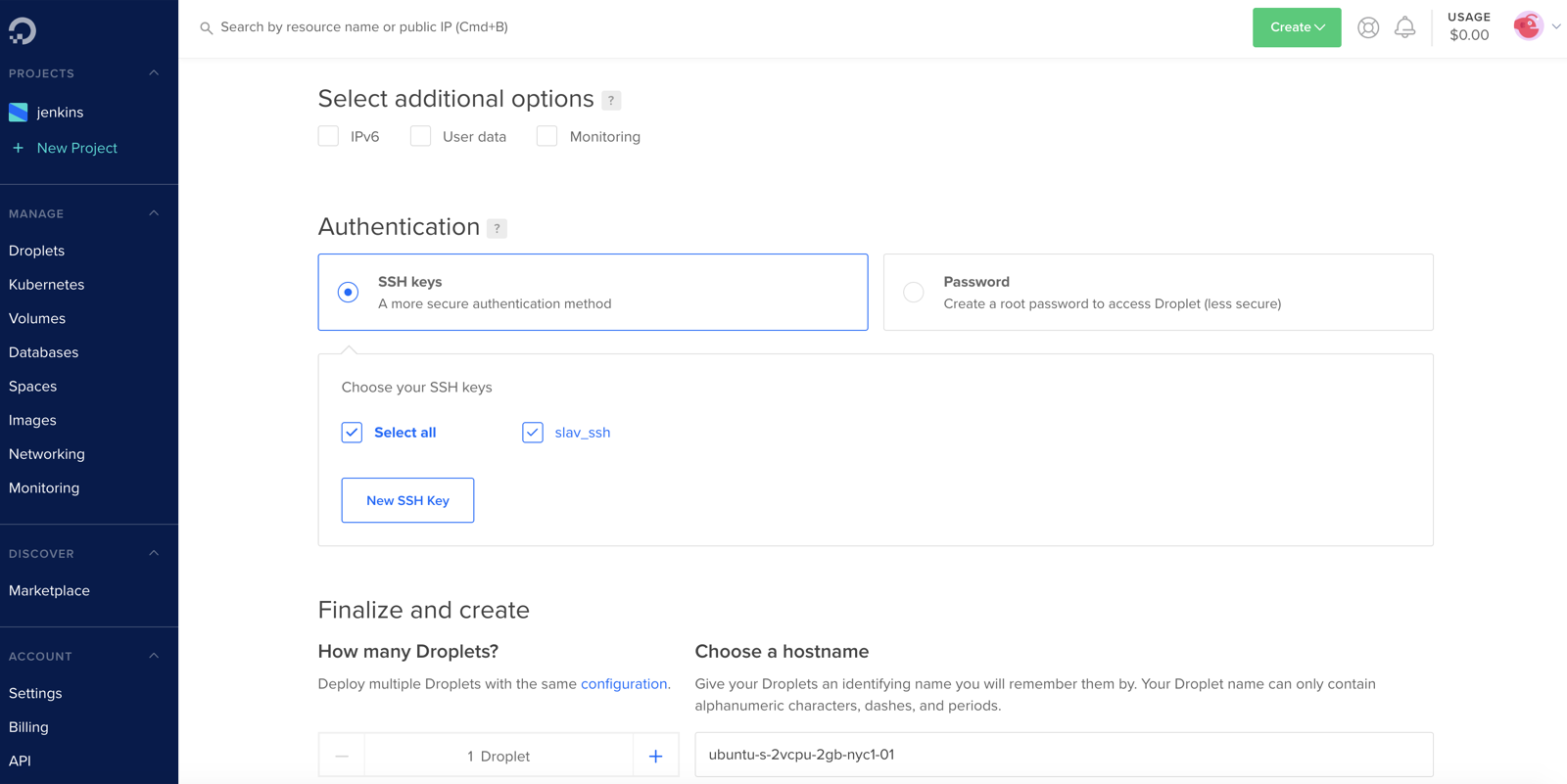
Finally click create droplet button and create droplet
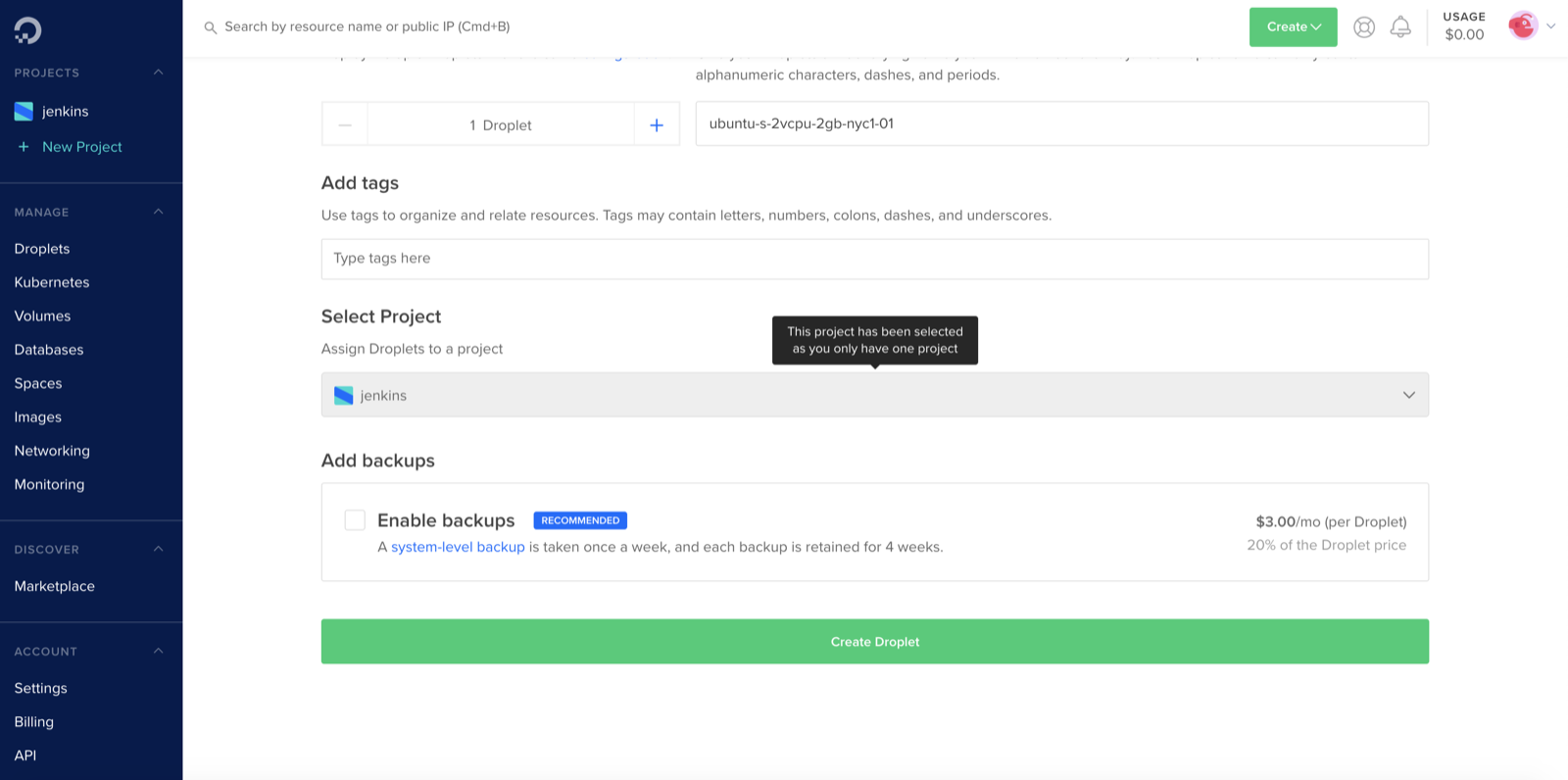
After droplet was initialized we can see it in digital ocean, what we interested in is a IP address of the droplet
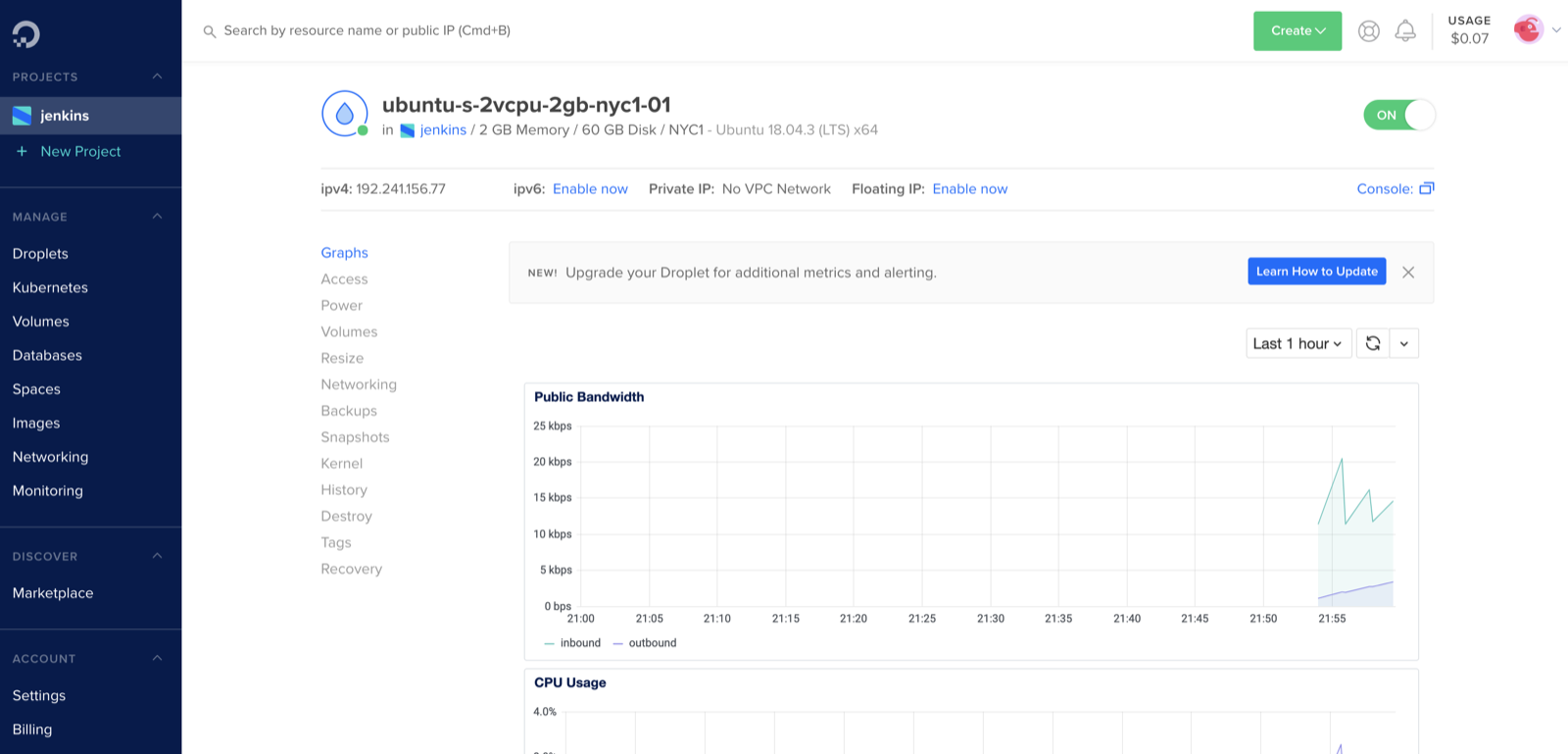
Once you get the ip address simple open terminal on your machine and access droplet with root user in my case it would be
ssh root@192.241.156.77
If you selected ssh as authentication it should automatically connect you to the droplet, if you selected password it will ask you to enter password for a root user.
Hope that helps, feel free post your comments below.